Deriv Contact
Writen By

Online Trading Platform Researcher and Guide Writer
Researches broker platforms and trading account Systems.
Urgent platform problems—failed deposits, stalled withdrawals, verification holds or unexpected login errors—require the right contact channel and the correct supporting details to get resolved quickly. Choosing live chat for fast troubleshooting, email for detailed case records, or the Help Centre for self-service answers can change how fast you regain account access and funds. This is especially important during peak hours or when regulated checks are required.
Below you'll find a clear checklist of what to prepare before contacting Deriv support, recommended contact paths by issue type, and tips for escalating cases when initial responses don't resolve the problem. Prepare your account ID, exact timestamps, payment references and annotated screenshots; never share passwords; and expect response times to vary with issue complexity. Following these steps reduces back-and-forth and helps support validate requests securely and more quickly. Also learn when to open a formal complaint.
Below you'll find a clear checklist of what to prepare before contacting Deriv support, recommended contact paths by issue type, and tips for escalating cases when initial responses don't resolve the problem. Prepare your account ID, exact timestamps, payment references and annotated screenshots; never share passwords; and expect response times to vary with issue complexity. Following these steps reduces back-and-forth and helps support validate requests securely and more quickly. Also learn when to open a formal complaint.
Deriv Online Chat
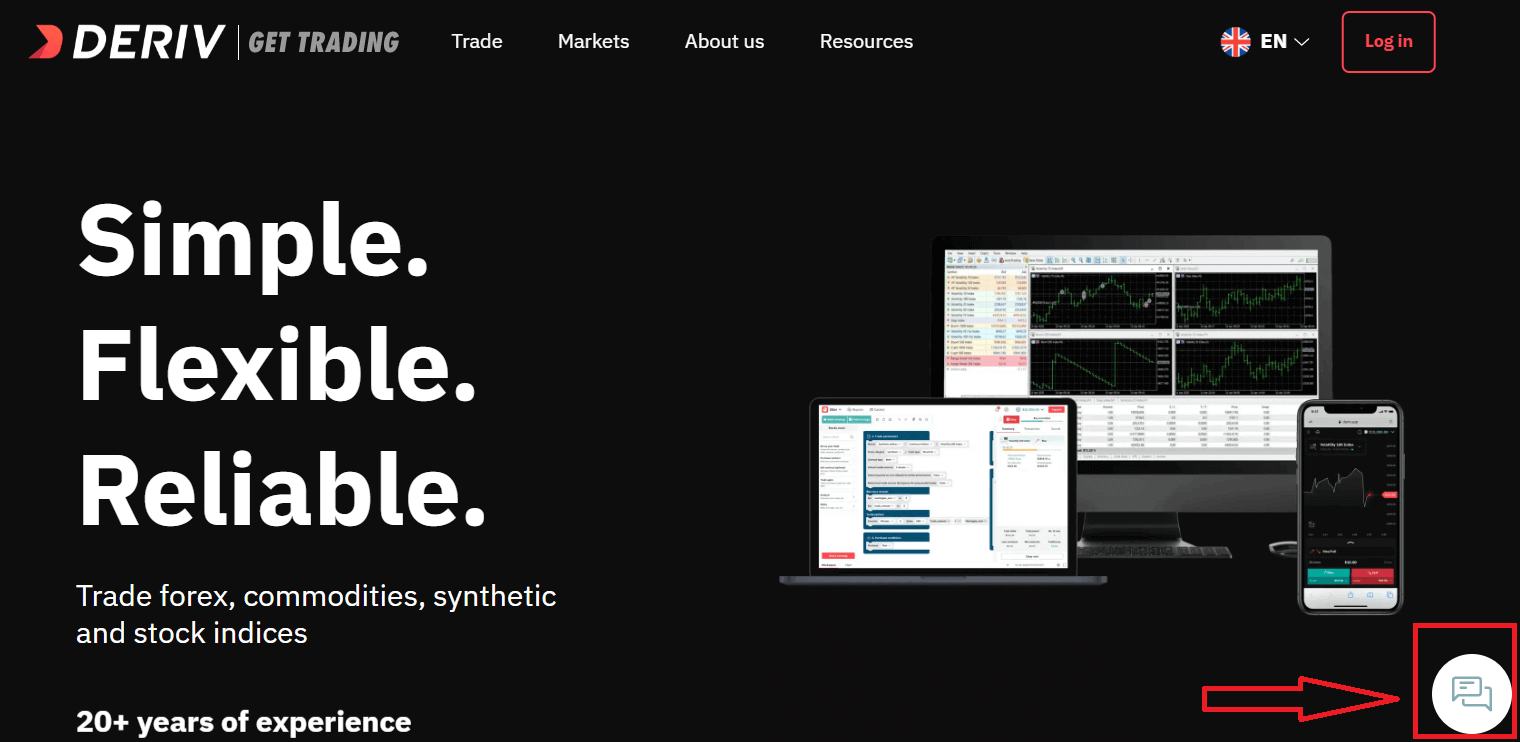
One of the most convenient ways to contact Deriv broker is using online chat with 24/7 support that allows you resolve any issue most fast as possible. The main advantage of the chat is how fast Deriv gives you feedback, it takes for about 3 minutes to get answered. You cannot attach files to your message in Online chat. Also you can’t send your private information.Click Chat below
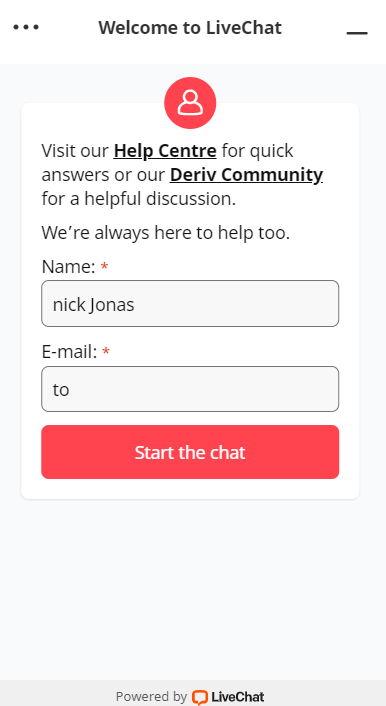
Enter your Name, E-mail and Click "Start the Chat"
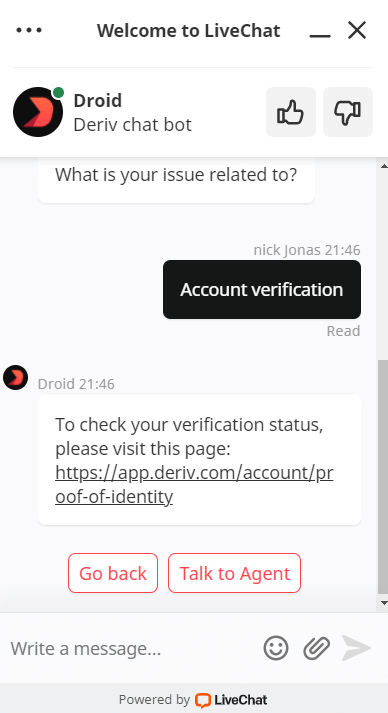
Firstly, Chat Bot will support you, but if you want to talk with the agent, juct click "Talk to Agent"
Deriv Community
Another way to contact support by using Community at here: https://community.deriv.com/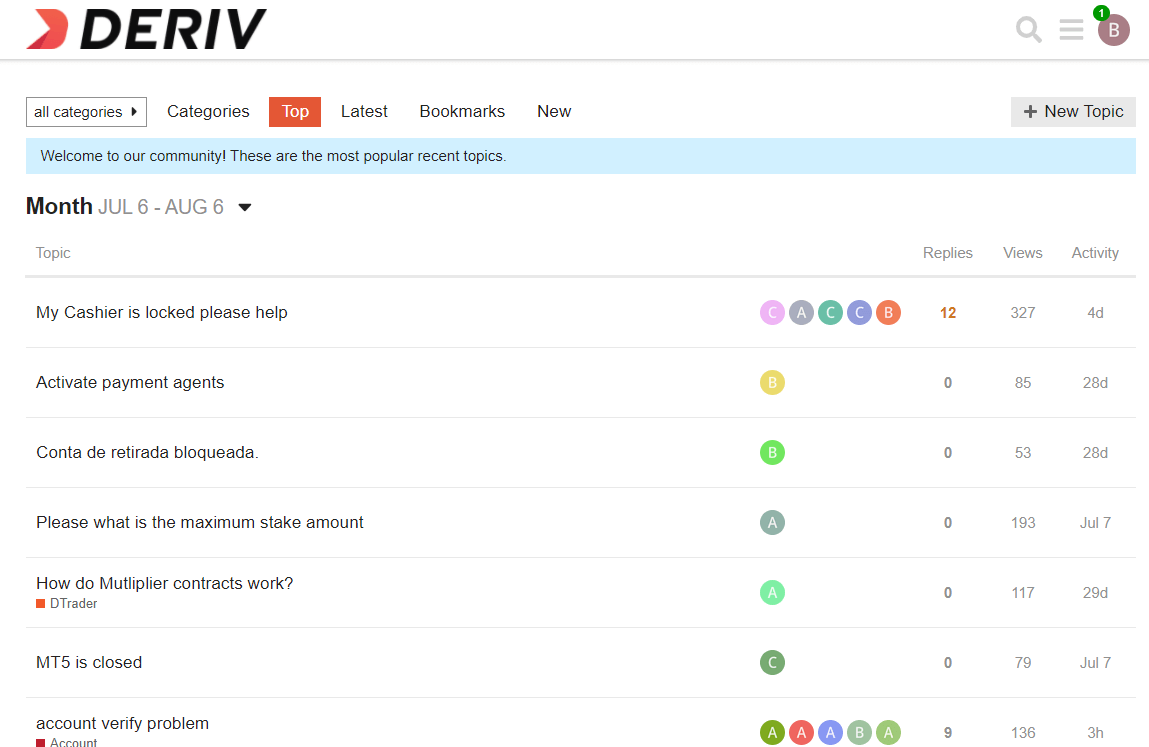
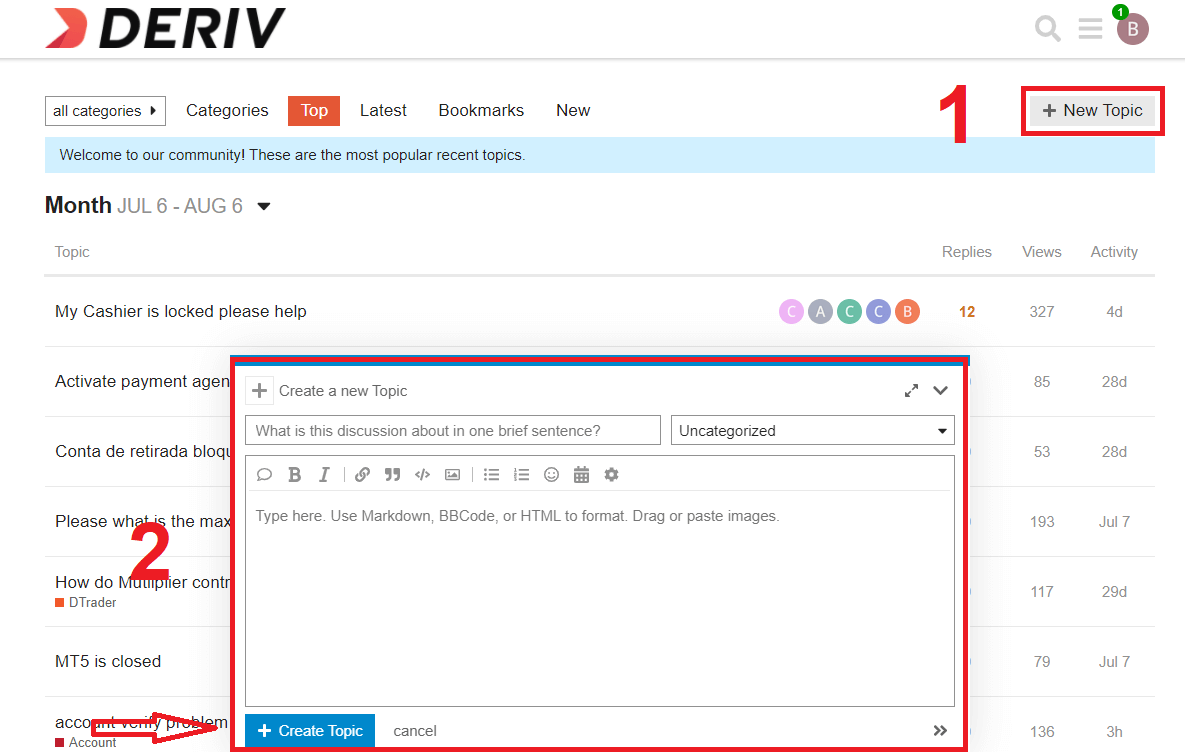
So if you don’t need quick answer for your question just send a question by clicking "New Topic" and you can create a Topic.
Deriv Help Centre
We have got the common answers you need at here: https://deriv.com/help-centre/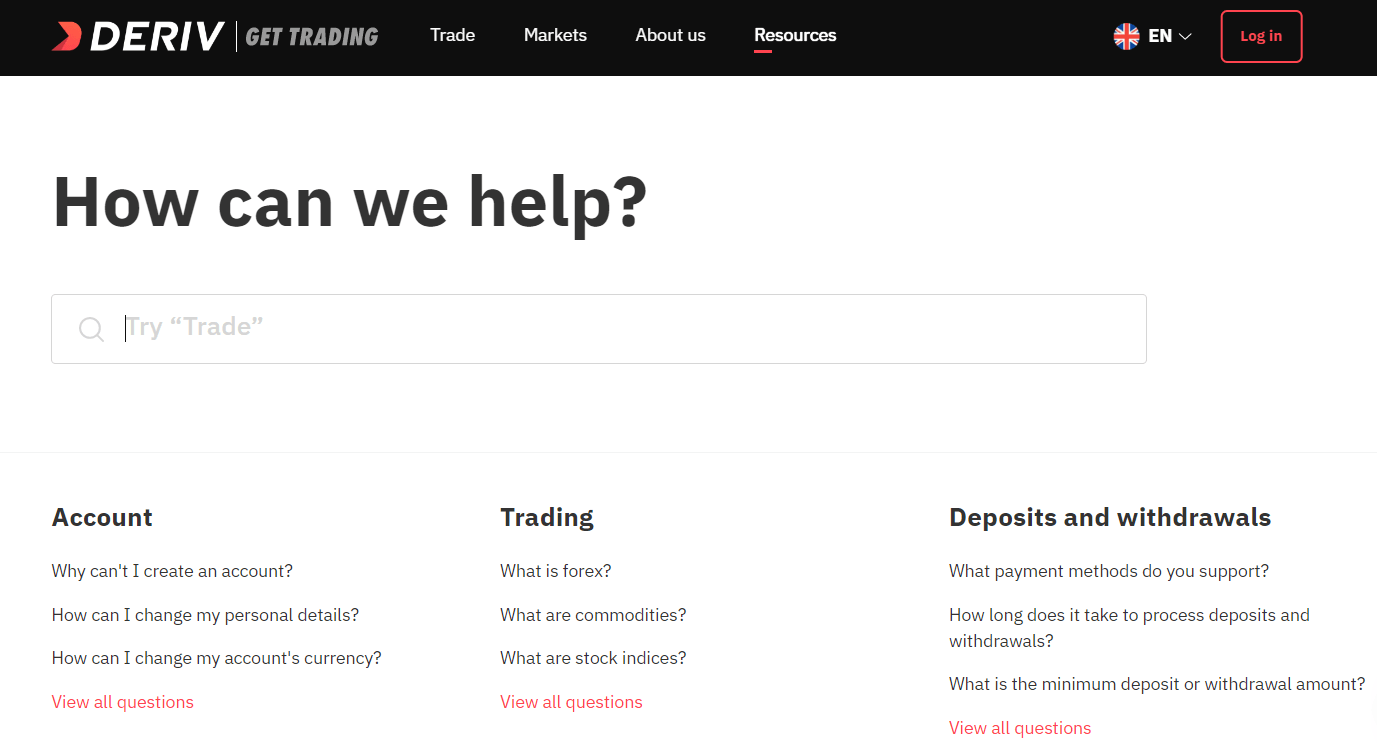
Which is the fastest way to contact Deriv?
The fastest response from Deriv you will get through the Online Chat.
How fast can i get response from Deriv support?
You will be answered in several minutes if you write via Online chat.
In which language Deriv can answer?
Deriv can answer your question in some language you will need. Translators will translate your question and give you an answer on the same language.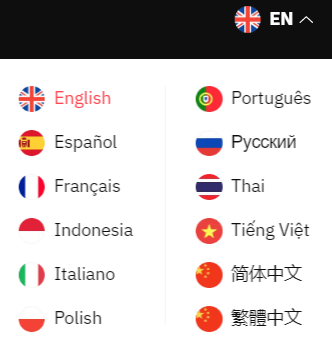
Contact Deriv by social networks
Another way to contact Deriv support is Social Media. So if you haveFacebook: https://www.facebook.com/derivdotcom
Twitter: https://twitter.com/derivdotcom/
Instagram: https://www.instagram.com/deriv_official/
Linkedin: https://www.linkedin.com/company/derivdotcom/
You can send message in Facebook, Instagram, Twitter. You can ask common questions in Social networks
FAQs
Use live chat from your Deriv account or the Help Centre chat widget—it's usually the quickest for immediate troubleshooting and clarifications. For complex disputes or records, submit a support ticket or email so agents can attach case notes and follow up with official responses. Always include your account ID.
Live chat typically gives an initial reply within minutes during normal operating hours, though full resolution may take longer if agents must check logs or payment providers. Email and tickets can take several hours to a couple of days depending on workload and case complexity. Verification and payment investigations often require extra time for document checks and third-party confirmations.
Open the appropriate support channel and state the withdrawal reference, currency, amount, payment method and exact timestamp of the transaction. Attach screenshots of the transaction and any error messages, and include the provider's transaction ID if available. Request a case number and an estimated timeline so you can track progress without repeated follow-ups.
I can't access my Deriv account — what troubleshooting steps should I try before contacting support?
Try password reset through the official flow, confirm you’re using the correct login email, clear your browser cache or try a different device or browser, and test the mobile app if available. Collect any error messages and timestamps. If two-factor authentication or session issues persist, include device details and recent account changes when you contact support to speed resolution.
Yes—submitting identity documents via the platform's secure upload or ticket system is standard for verification and AML checks. Use only verified support channels; never send documents to unknown emails. Agents process files under privacy policies and retain only necessary records. Do not share passwords or private keys and confirm the request came from an official channel before uploading sensitive documents.