Deriv Open Account: Steps to Open a Trading Account
Writen By

Online Trading Platform Researcher and Guide Writer
Researches broker platforms and trading account Systems.
Ready to start trading but unsure which account to choose, what documents you need, or how long approval takes? Moving from registration to a tradeable account on Deriv requires a few clear steps—selecting the right account type and platform, completing identity and address checks, and preparing payment details—so it helps to follow the workflow rather than skip ahead and hit verification or funding delays.
Prepare a government-issued ID, recent proof of address, and a valid email and phone number before you begin. Use the demo option to test platform compatibility while verification proceeds, scan documents clearly to speed review, and check any country or payment restrictions early so funding and withdrawals won’t be blocked when your account is activated.
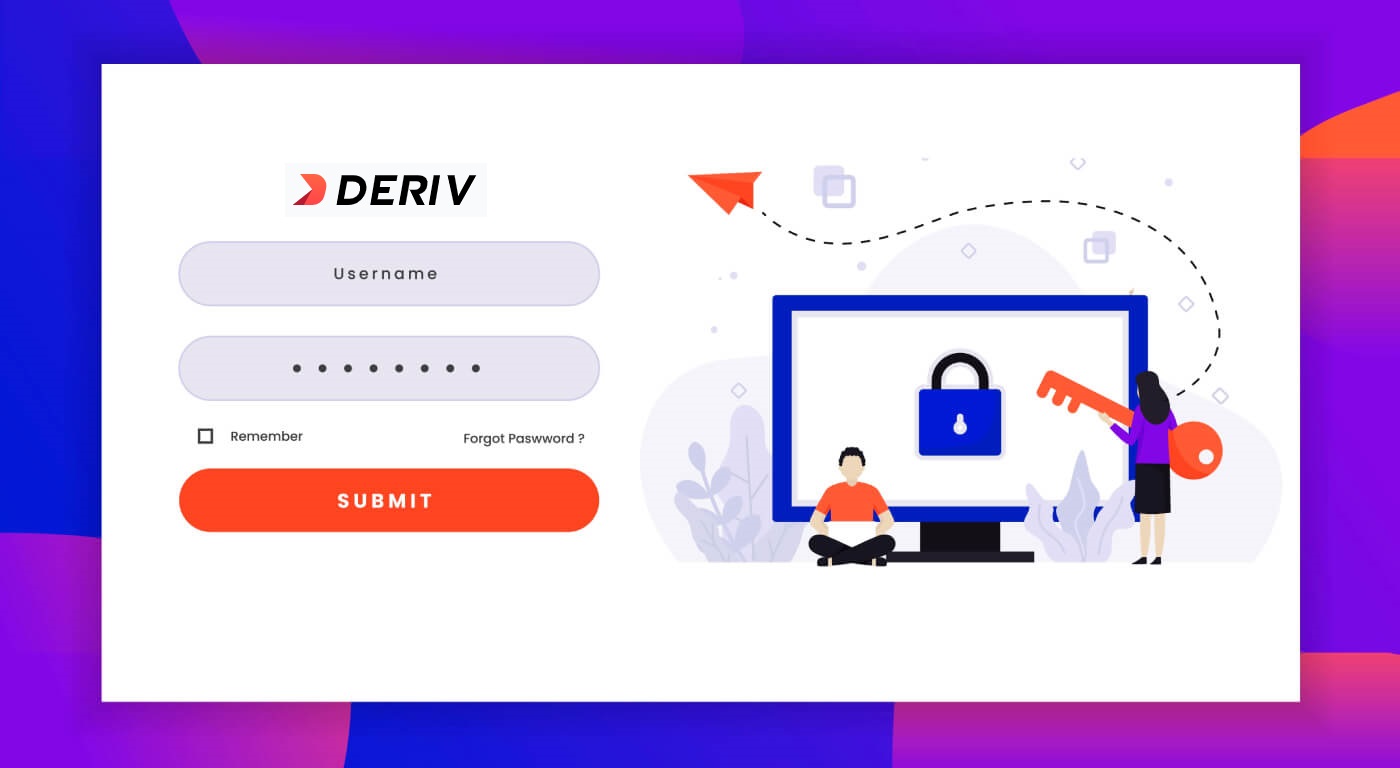
How to Open a Trading Account
The process of opening an account at Deriv is simple.
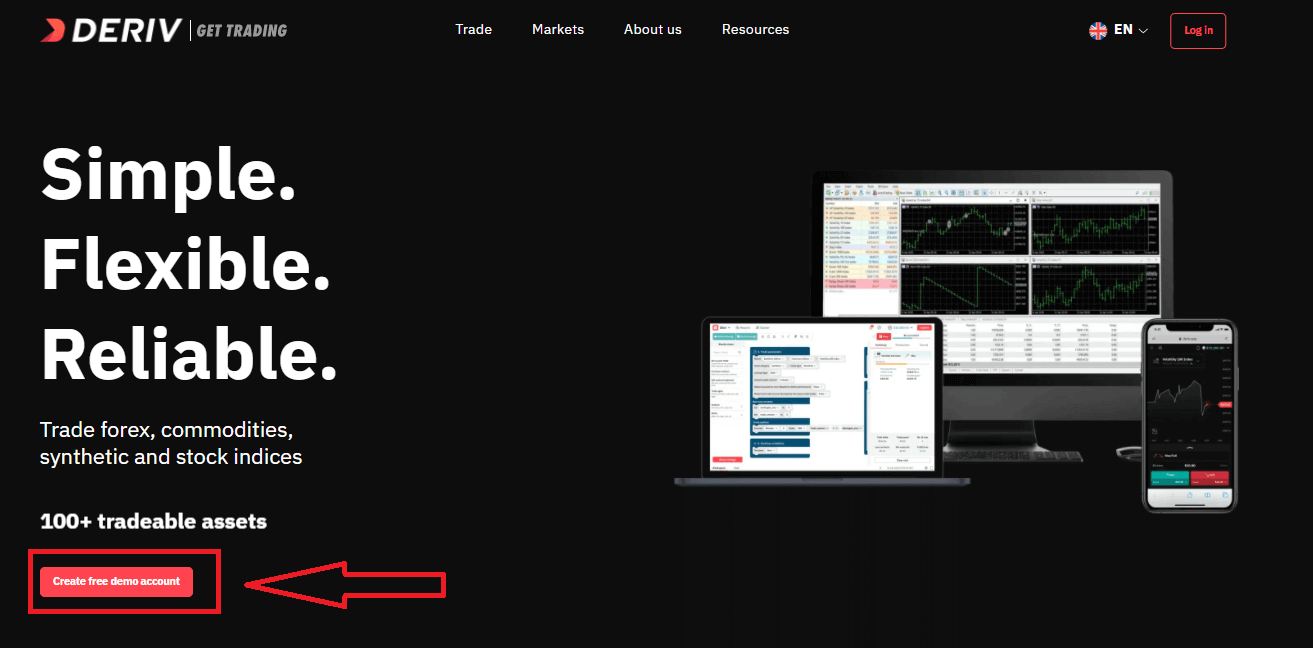
- Visit the website Deriv or click here to create.
- Click the "Create free deno account" button or register via a social network in the registration page.
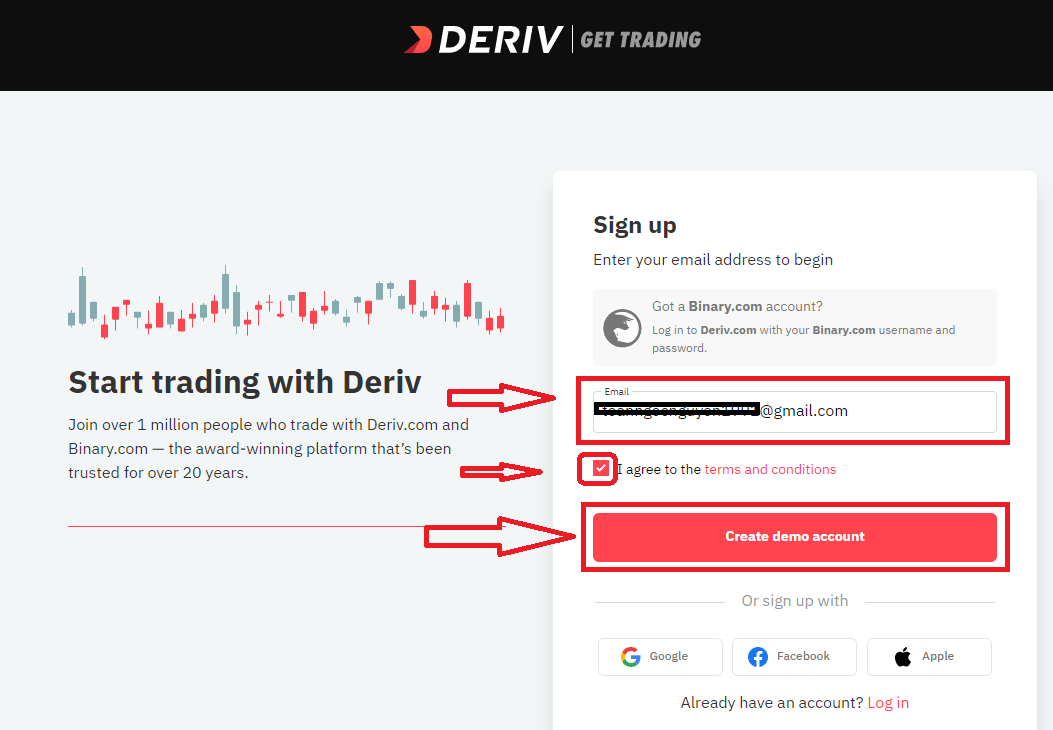
Enter your Email, check the checkbox and click the "Create demo account" button
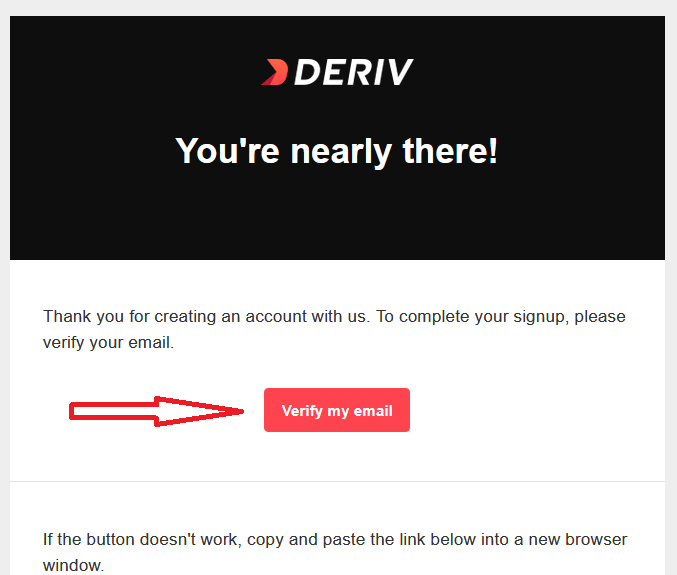
An email confirmation link will be sent to your email address. Click the "Verify my email" button to confirm
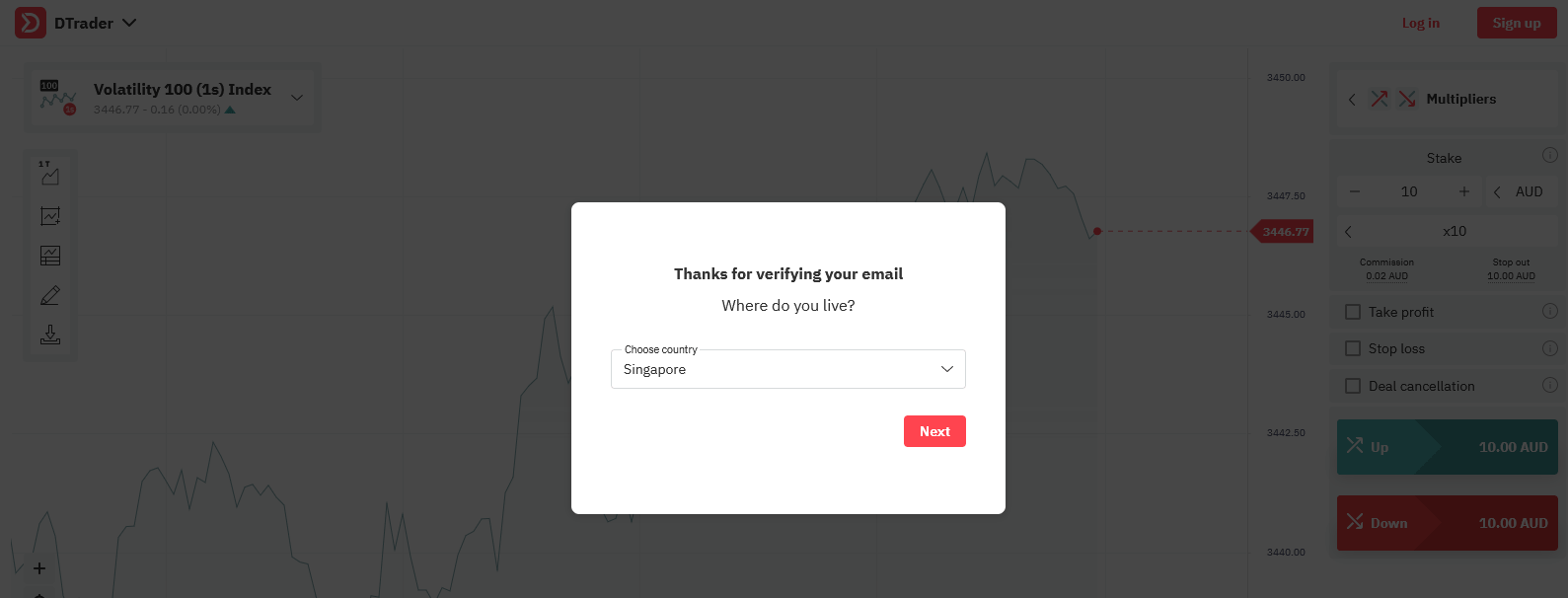
You will be shown a new screen to create new demo account, enter your country, password for your account and click "Start trading"
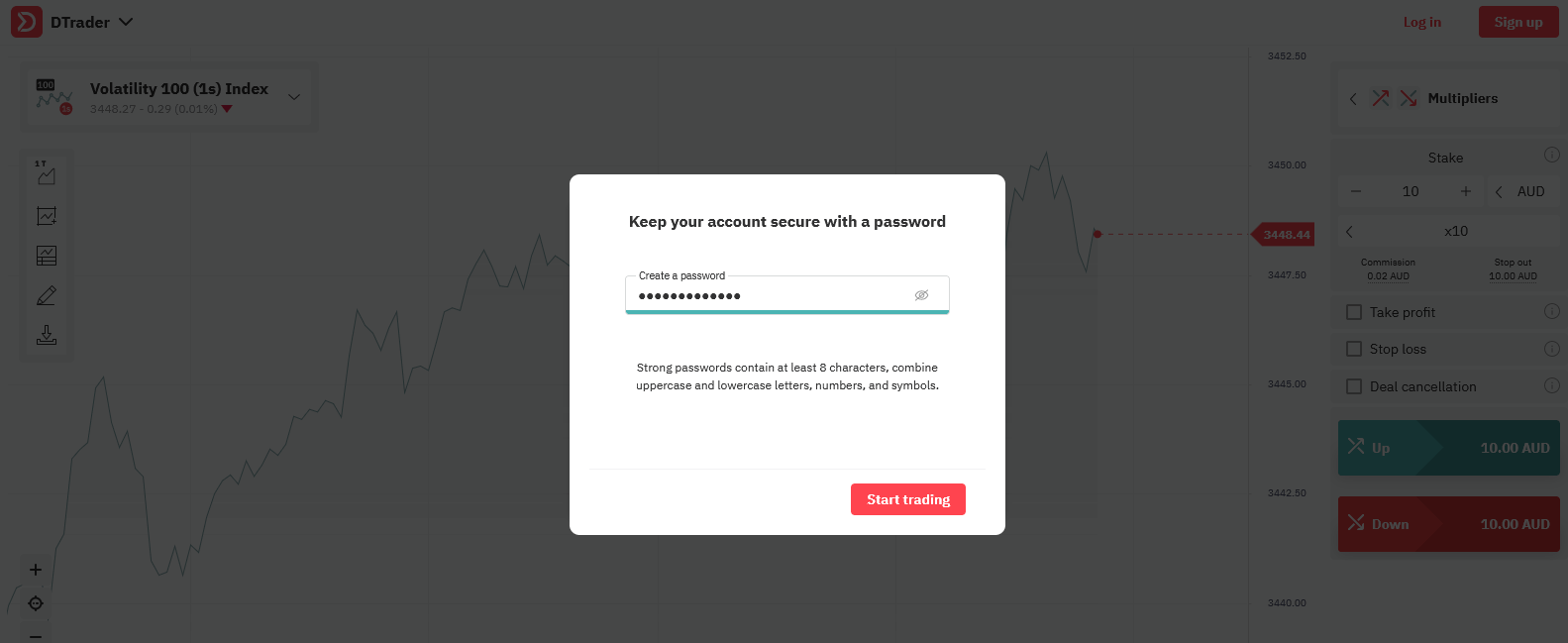
Congratulations! Your registration for Demo Account is finished!
Now you have 10,000 USD for Trading with Demo Account.
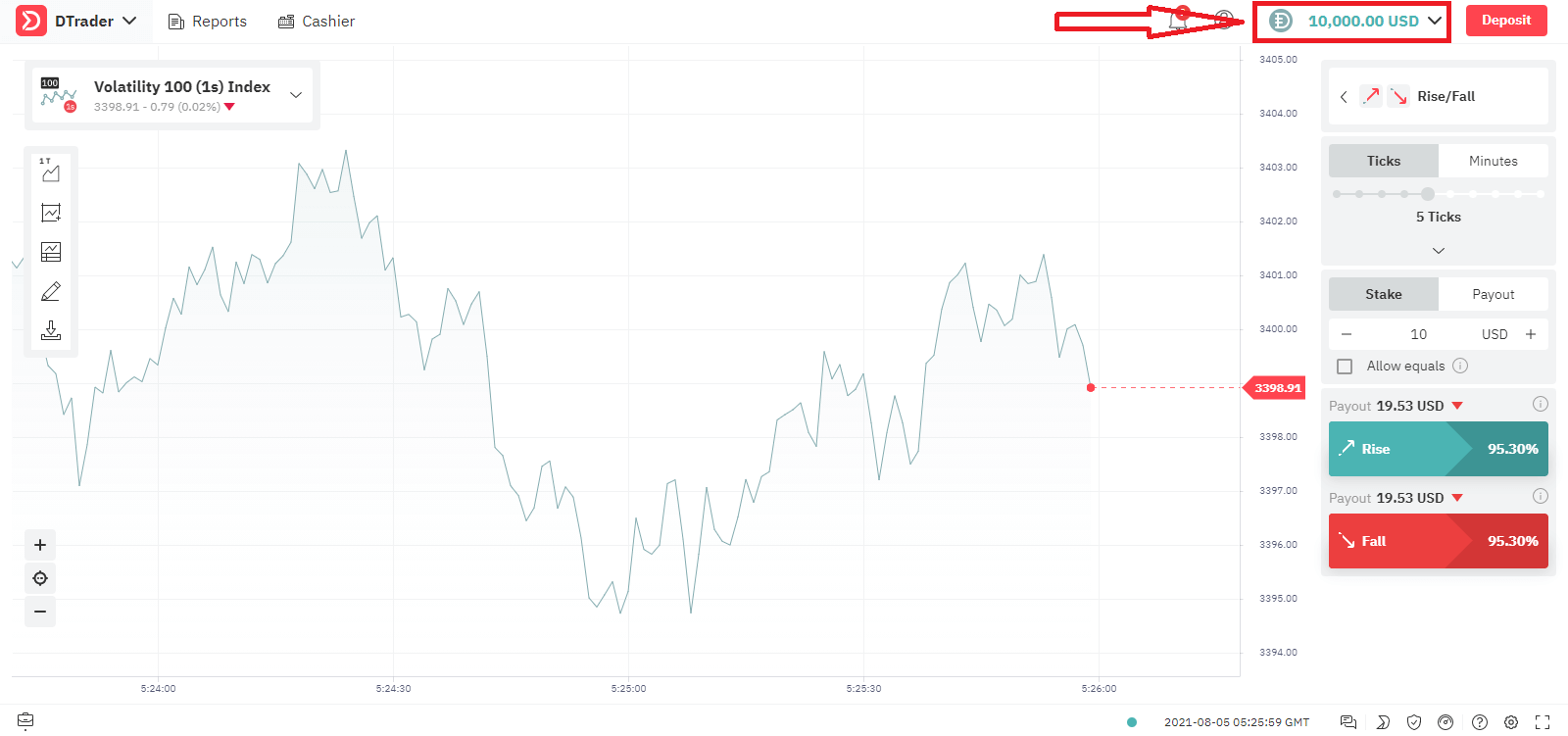
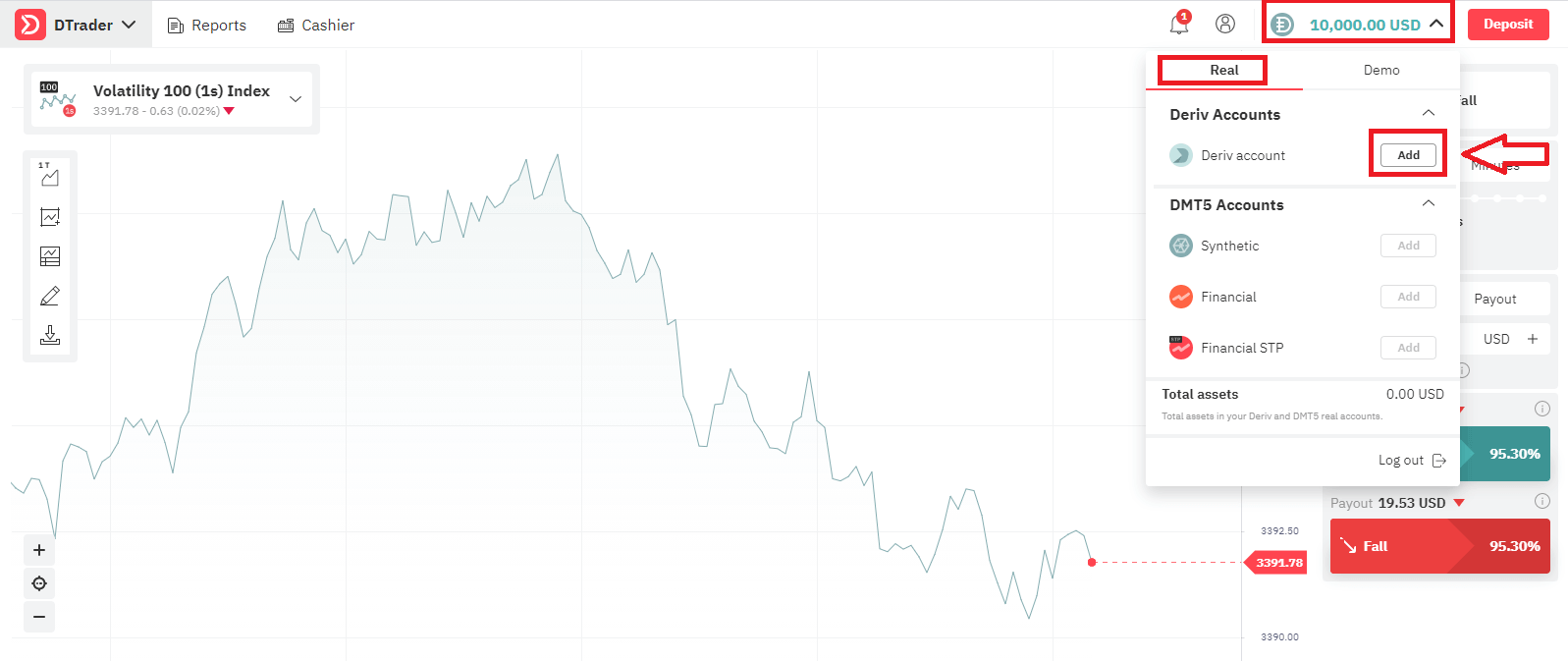
Let’s go through the second option, If you want to trade with Real Account, click "Add" as below
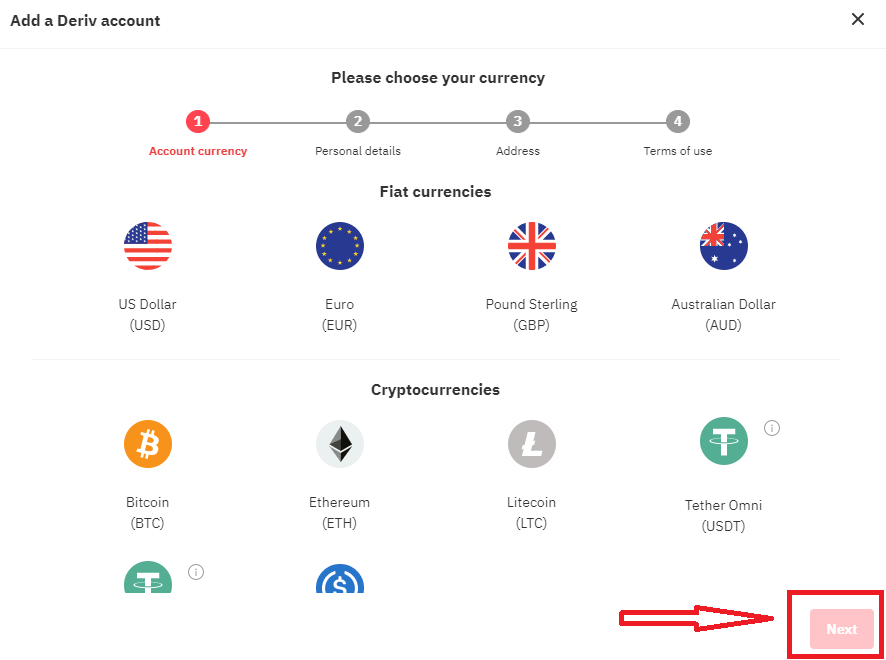
Firstly Choose your Currency, click "Next"
Enter you Personal Details, click "Next"
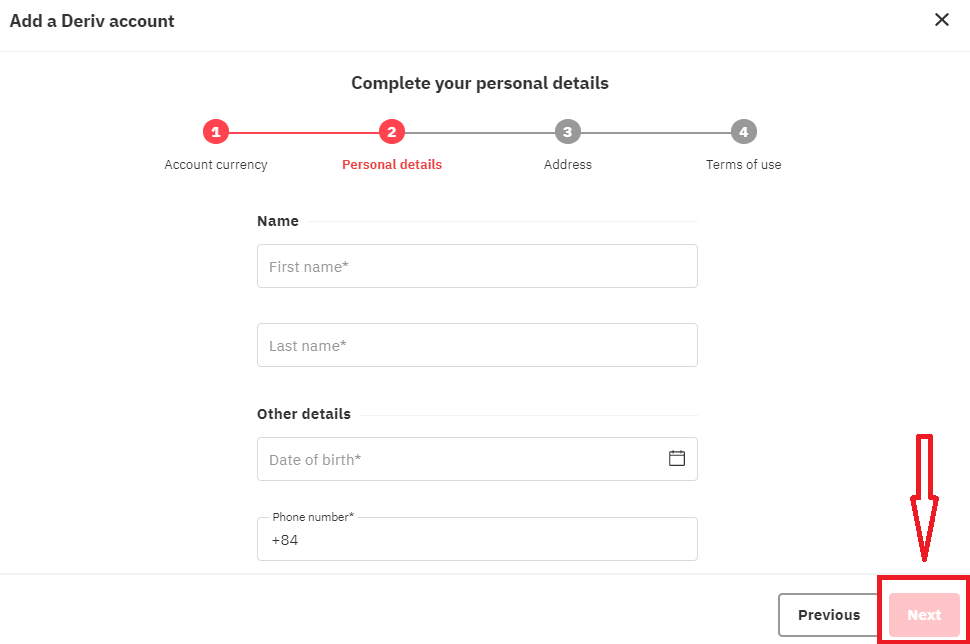
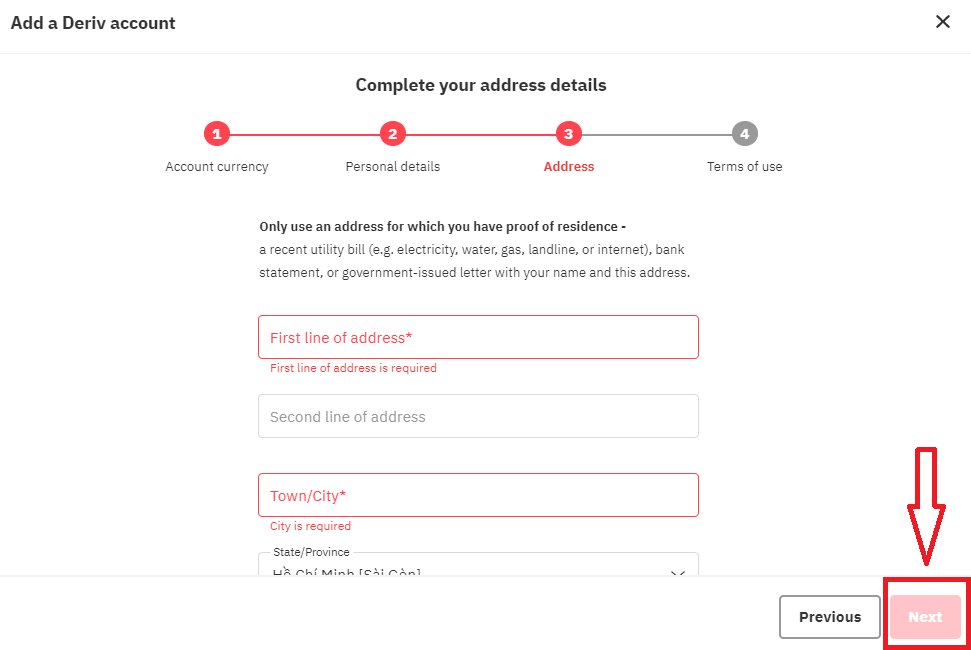
Enter your Address Details and click "Next"
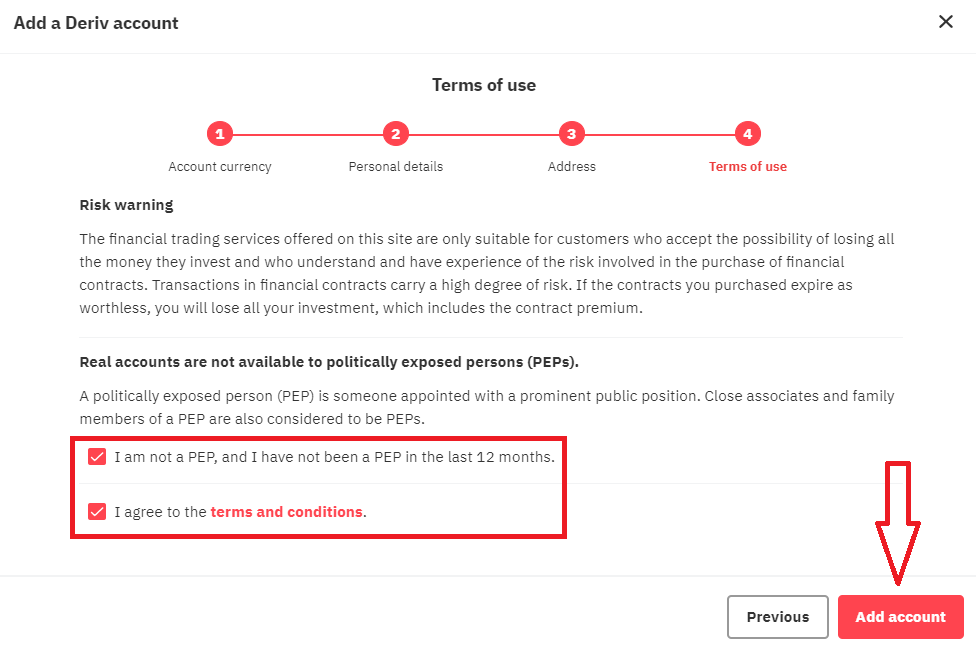
Read the Term of Use of Derv, check the checkbox and click "Add account" button
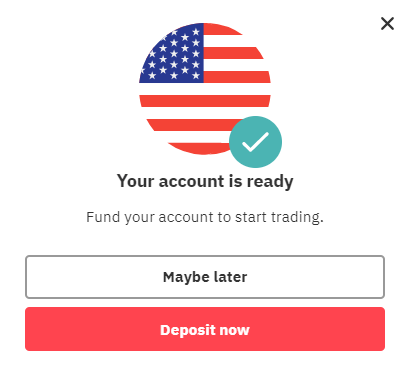
Your Registration for Real Acocunt is finished
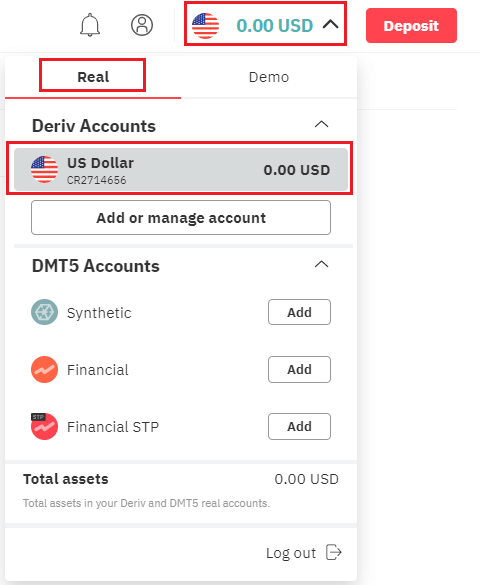
How to Deposit Money in Deriv
How to Open with Facebook account
Also, you have an option to open your account through web by Facebook and you can do that in just few simple steps:1. Click on Facebook button at the registration page
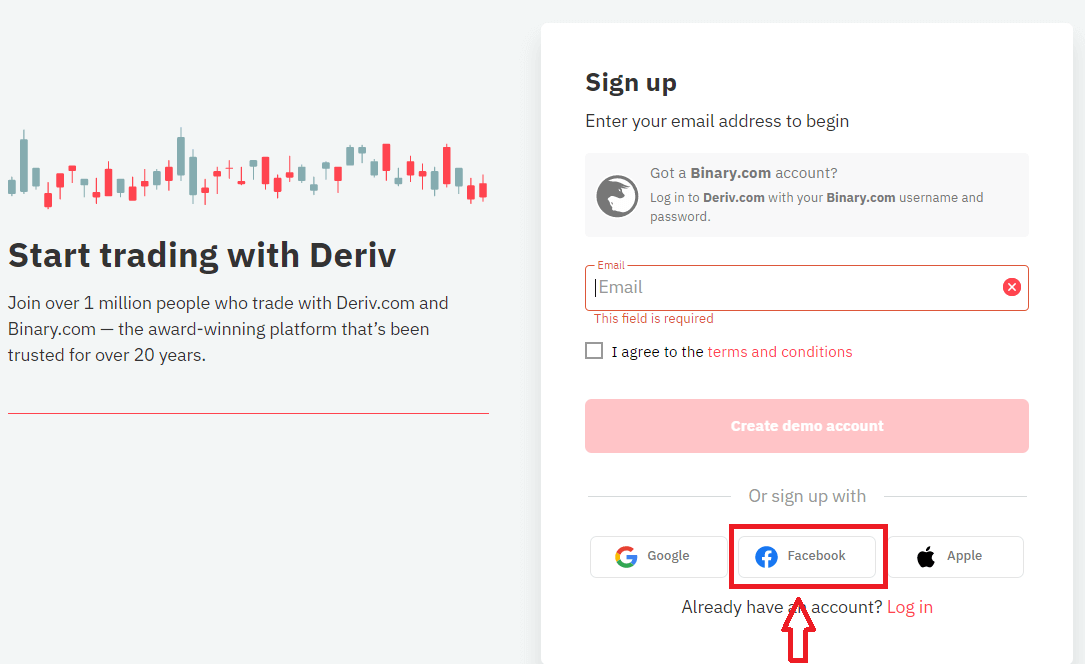
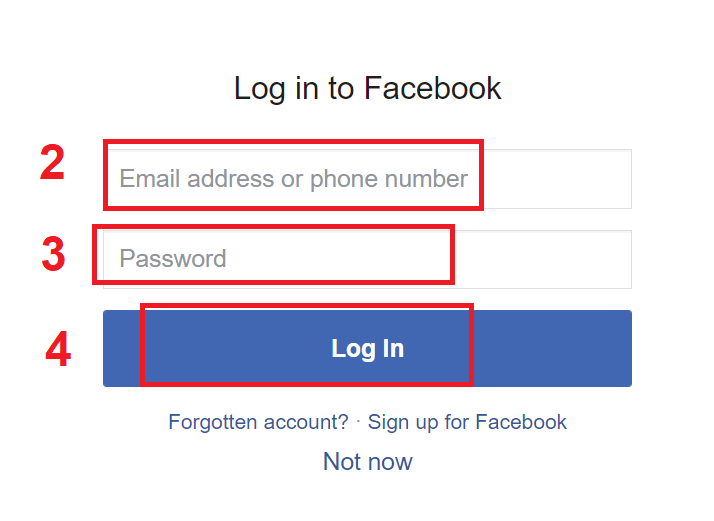
2. Facebook login window will be opened, where you will need to enter your email address or phone number that you used to register in Facebook
3. Enter the password from your Facebook account
4. Click on “Log In”
Once you’ve clicked on the “Log in” button, Deriv is requesting access to: Your name and profile picture and email address. Click Continue...
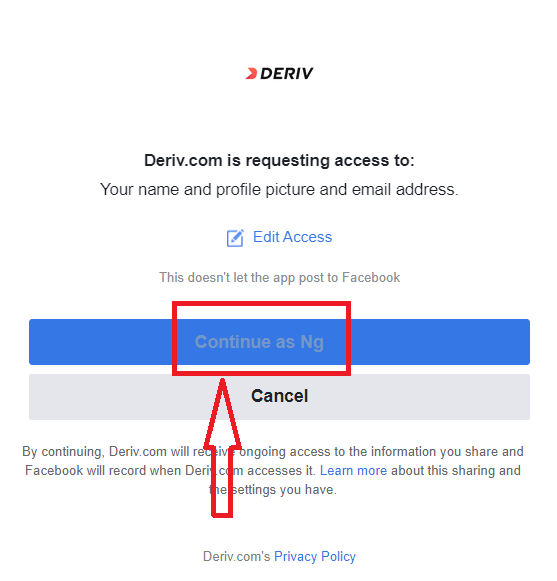
After That You will be automatically redirected to the Deriv platform.
How to Open with Google account
1. To sign up with a Google account, click on the corresponding button in the page.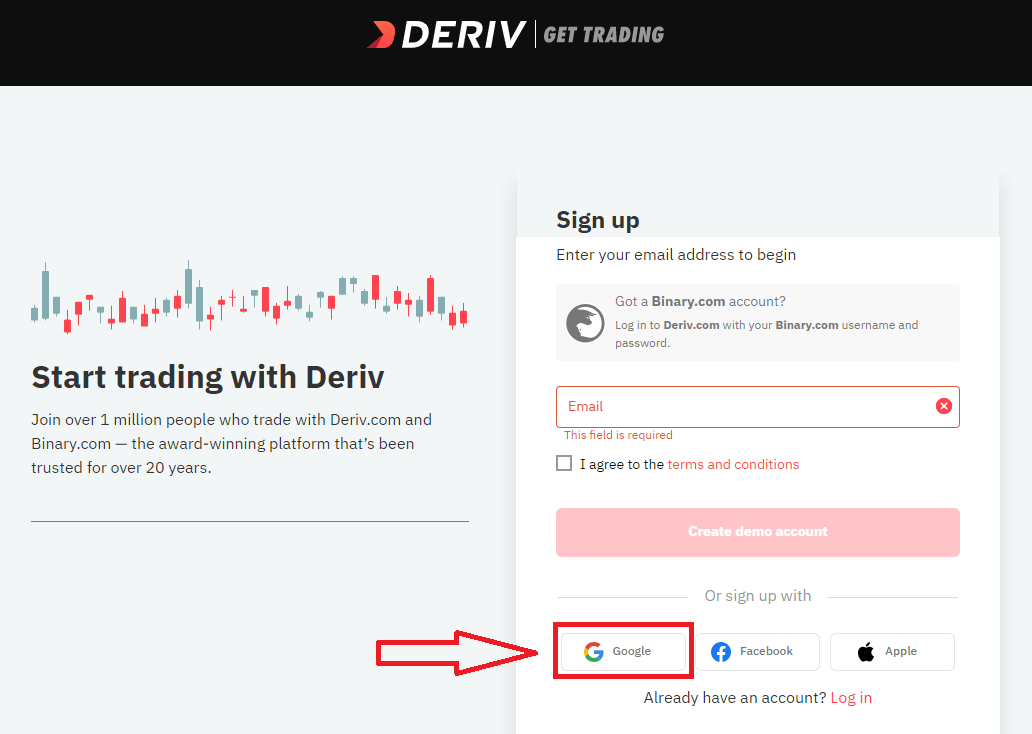
2. In the new window that opens, enter your phone number or email and click “Next”.
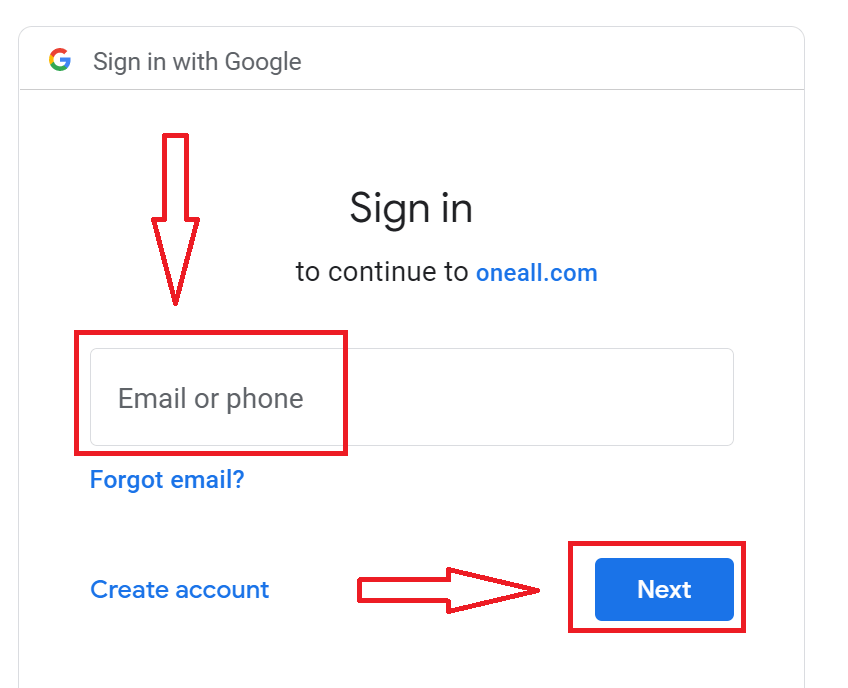
3. Then enter the password for your Google account and click “Next”.
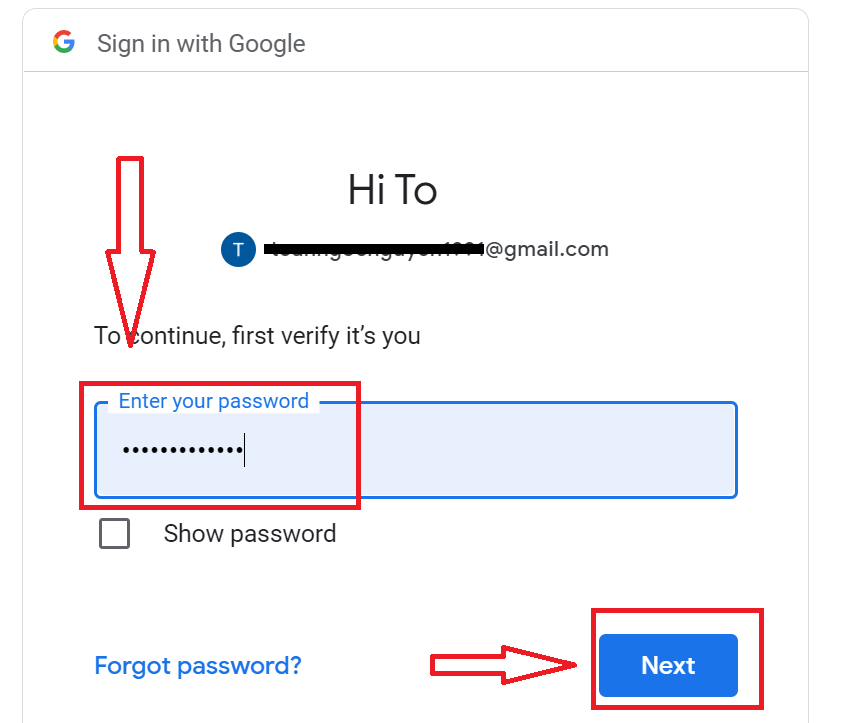
After that, follow the instructions sent from the service to your email address.
How to Open with Apple ID
1. To sign up with a Apple ID, click on the corresponding button in the page.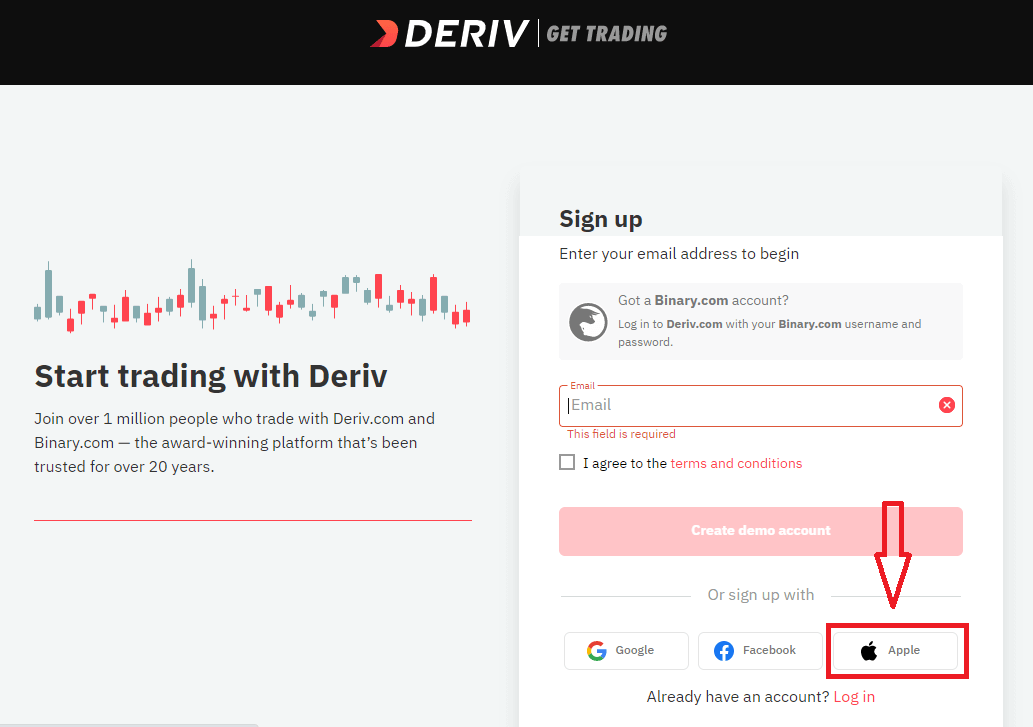
2. In the new window that opens, enter your Apple ID and click “Next”.
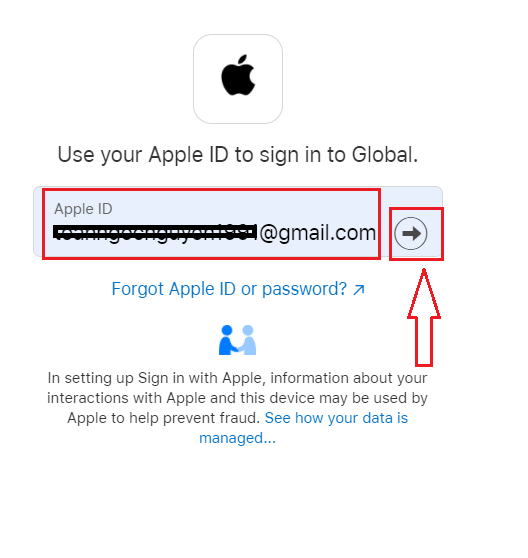
3. Then enter the password for your Apple ID and click “Next”.
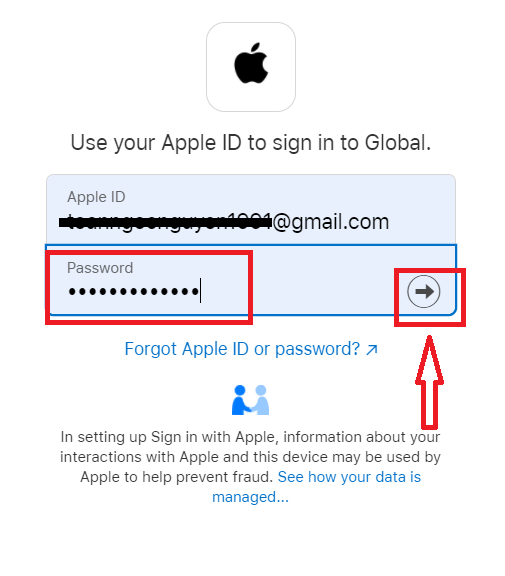
After that, follow the instructions sent from the service to your Apple ID.
FAQ of Account
Why cant I create an account?
In line with our Group practice, we set the following criteria for client sign ups:Clients have to be at least 18 years of age.
Clients cannot be a resident in Canada, Hong Kong, Israel, Jersey, Malaysia, Malta, Paraguay, UAE, USA, or a restricted country which has been identified by the Financial Action Task Force (FATF) as having strategic deficiencies.
How can I change my personal details?
If your account is not authenticated, you can change your name, date of birth, or citizenship by going to Settings Personal details.If the account has been fully authenticated, you can submit a ticket requesting the desired changes. Please attach your proof of identity and address.
How can I change my accounts currency?
Once you have made a deposit or created a DMT5 account, you can only change your currency by contacting Customer Support. FAQs
You typically need a government-issued photo ID (passport, national ID card, or driver’s licence) and a recent proof of address (utility bill, bank statement, or official letter). Upload clear, colour scans or photos in accepted formats, ensure names match exactly, and be ready to provide a selfie for liveness checks if requested.
Creating login credentials is instant, but verification commonly takes 24–72 hours. Delays occur with unclear documents, mismatched details, or high-volume periods; submitting crisp files and verifying your email and phone promptly speeds approval.
Deriv offers multiple live account types and platforms tailored to different markets and strategies; you can also open a demo account first. Choose based on the instruments you want to trade, platform features, leverage and margin rules, and your risk tolerance.
Common causes include unverified email, mismatched personal details, unsupported document types or sizes, country restrictions, or attempted duplicate accounts. Try re-uploading clear documents, confirm your email/phone, use a different browser, and contact support with your registration ID if the status doesn’t update.
Account creation is free and you can use a demo without depositing. Live trading requires funding; minimum deposit amounts depend on the chosen account type and payment method. To trade live, complete verification, fund the account, select your platform, and place a trade or order.